Real files
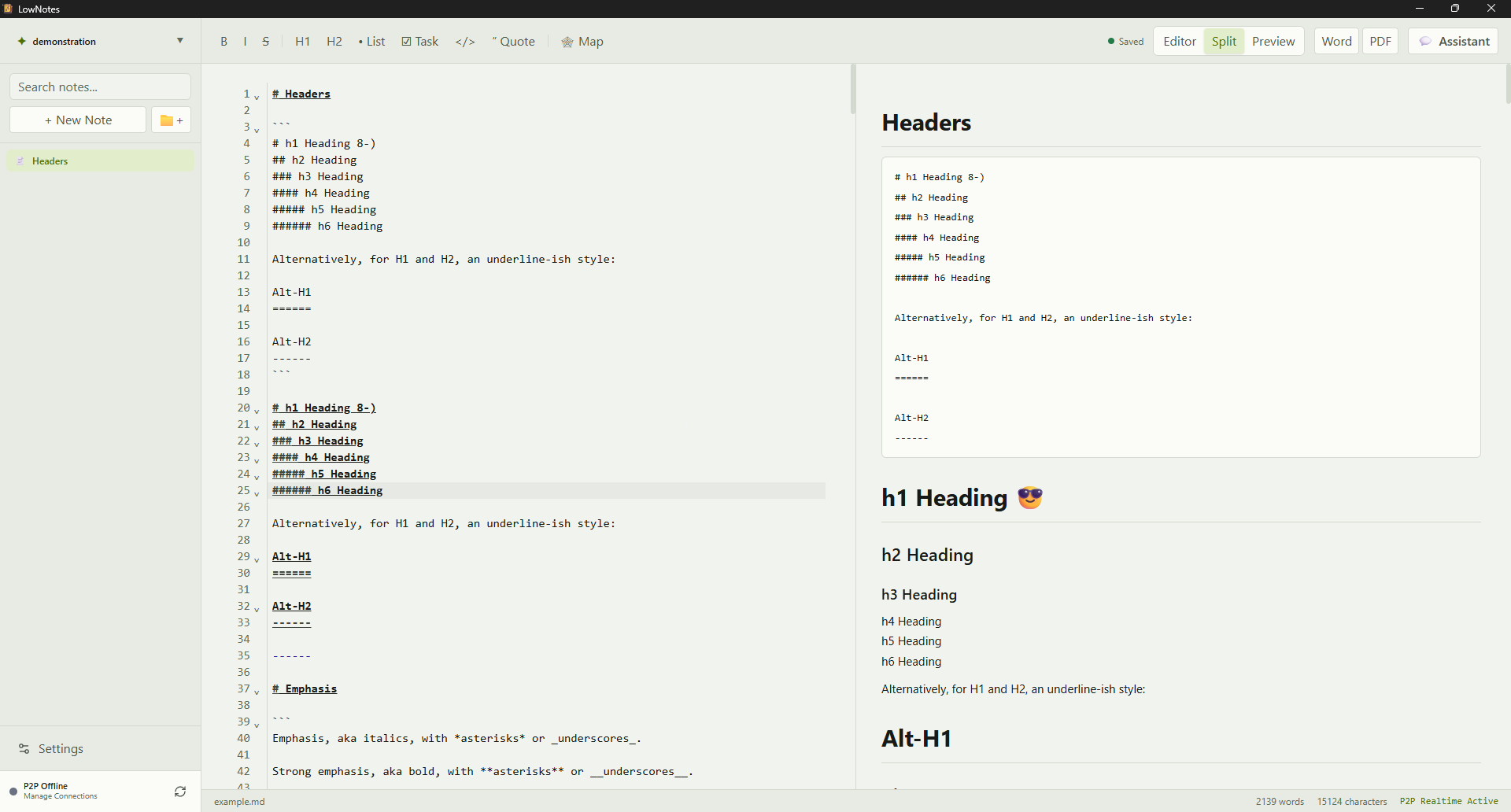
Your notes are Markdown files in a folder you choose. Open, edit, and back them up with the tools you already use.
A place to write, connect ideas, and chat with your notes. Local Markdown files, optional AI, and P2P sync between devices.
Windows, Linux and macOS · Open source / AGPL-3.0
In your daily work
You decide how much of the tool you need.
Your notes are Markdown files in a folder you choose. Open, edit, and back them up with the tools you already use.
Built-in RAG finds passages in your vault to help the assistant answer. Search runs locally; selected context is sent to the model you choose.
Use providers compatible with the OpenAI API, including local models with Ollama or LM Studio. The assistant is optional and uses your settings.
Pair your devices to sync and collaborate. Notes aren't stored on a central LowBloat server. The encrypted connection may use discovery and relay services.
The assistant is optional. If you choose a remote provider, it receives the query and selected passages from your notes. To use a local model, you need the service and model installed on your computer.
Read how data and sync workUnder consideration
We're exploring a sync service hosted by LowBloat. Security, privacy, and operations are still being evaluated. No launch date or pricing has been announced.
Less noise in support. More tickets resolved.